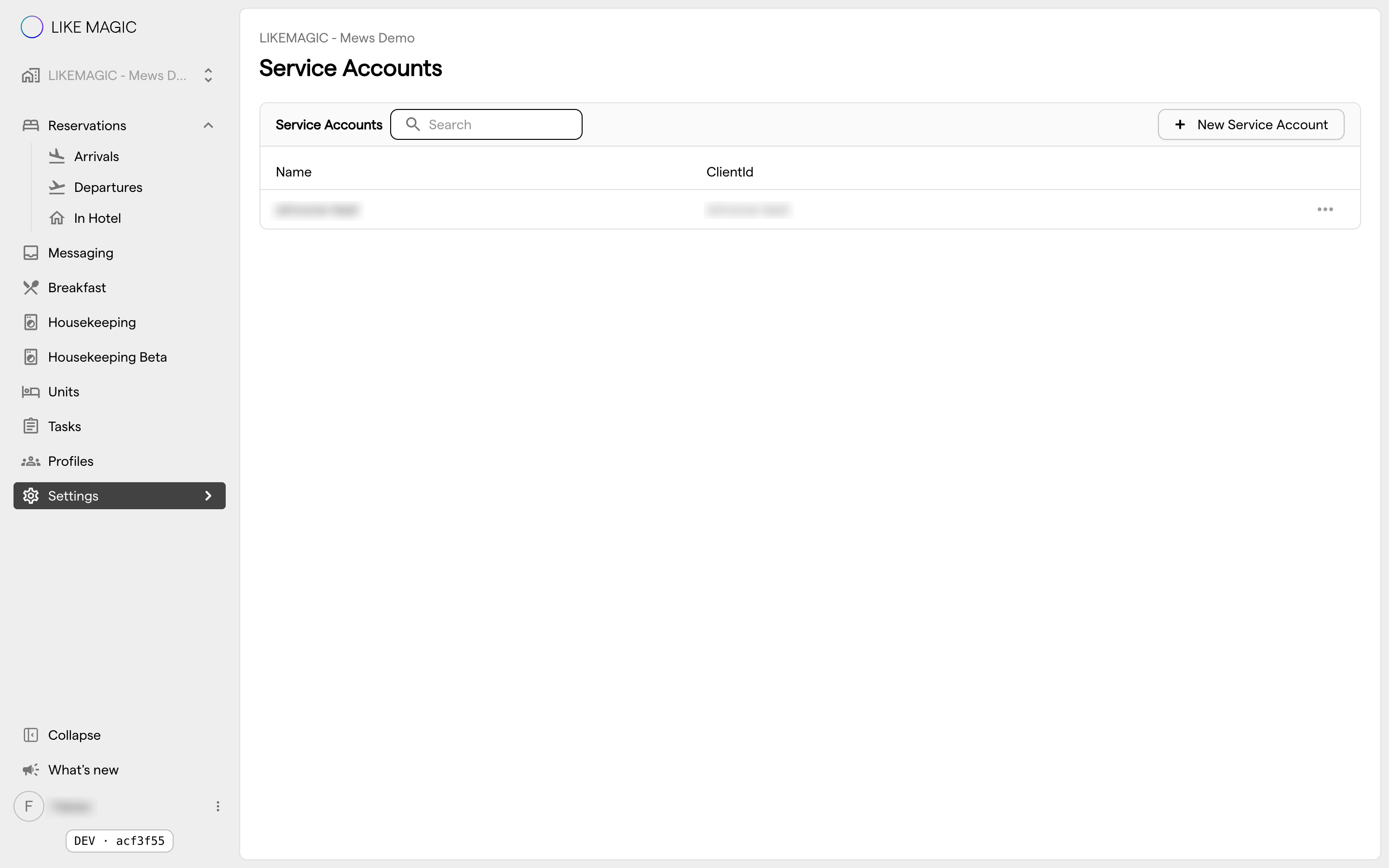
Service Accounts
A service account is a set of machine credentials (a client ID and a client secret) that lets an external system (an integration, a script, a partner platform) authenticate to the LIKE MAGIC API without using a person's login. Instead of sharing a staff password, you issue a dedicated account and grant it exactly the permissions ("scopes") it needs.
This article is written for the administrator or developer who provisions these credentials.
1. Who Can Use This
Service accounts are managed in the Operations Platform under Settings → Account → Service Accounts. Creating or editing one requires the Account Administrator role (account-admin), and Account Viewer (account-viewer) sees the page read-only. The page requires Platform pricing. On Core it is shown locked with an upgrade prompt. See Pricing Tiers. Because a service account grants API access, treat creating one as a security-sensitive action.
2. When to Use a Service Account
Use a service account whenever a system, not a person, needs to call the API, for example:
- a partner platform that reads reservations or writes orders,
- an integration that manages door locks or tasks,
- a back-end job that reads events or metrics.
Do not reuse a staff member's login for automation: staff logins are tied to people, carry human roles, and disappear when the person leaves.
3. Creating a Service Account
When you create a service account you provide:
- a name: a human-readable label so you can tell integrations apart,
- a client ID: the identifier the external system presents,
- a client secret: the password half of the credential,
- one or more scopes: the permissions the account is allowed to use.
Create one with New service account. You can edit or delete an existing account from the same screen. The client ID is set when you create the account and cannot be renamed afterwards, so a different client ID means a new service account.
The same screen carries a Connection details block with the values the external system needs alongside the credentials: the Token Endpoint, the API Base URL and your Tenant.
4. Scopes (Granting Only What Is Needed)
A scope is a single, narrow permission. Each scope maps to a specific capability. Many come in a read and a write variant, so you can grant read-only access where that is all an integration needs, while others exist only as read or only as write. Scopes cover areas such as:
| Area | Example scopes |
|---|---|
| Reservations | reservation.read, reservation.write |
| Door access & locks | door_access.read, door_access.write, lock.read, lock.write |
| Tasks | task.read, task.write, task_template.read, task_template.write, task_log.read |
| Guest messaging | guest_conversation.read, guest_conversation.write, guest_message_attachment.read |
| Profiles & identity | user_profile.read, user_profile.write, actor.read, actor_group.read, magic_id.read |
| Units & properties | unit.read, unit_group.read, property.read |
| Webhooks & events | webhook_subscription.read, webhook_subscription.write, event_log.read |
| Orders & services | order_item.write, service.read, email_template.write, metric.read |
🔑 Grant the least privilege that works. If an integration only reads reservations, give it the read scope and nothing else. You can always add a scope later; over-granting is the harder mistake to undo.
5. Handling the Secret Safely
The client secret is a credential. Treat it like a password:
- Store it in the external system's secret store, never in a shared document, chat message or source code.
- Hand it over through a secure channel.
- If you suspect it has leaked, rotate it (see section 6) immediately.
6. Editing and Revoking
You can edit a service account to rename it, change its scopes or generate a new client secret, and you can delete it to revoke access entirely. Deleting the account immediately stops any system using those credentials from authenticating. Use this to cut off a compromised or retired integration.
ℹ️ Note: Removing a scope takes effect for new calls; an integration that relied on it will start receiving permission errors, which is the intended signal that its access was reduced.
7. Conclusion
Service accounts are the safe way to let systems, not people, use the LIKE MAGIC API. Create one per integration, scope it to exactly the permissions it needs, protect the secret, and revoke it the moment the integration is retired or compromised.