Upsell Configuration
Upsell lets you offer a guest a better room for more revenue. It is a room-category upgrade, separate from the Services catalogue. It changes which room category the guest stays in rather than adding a service. A guest can accept the upgrade in two moments, at check-in and later from the My Stay portal during the stay, and staff can also offer or apply it from the reservation drawer. This article explains all three surfaces and how you make the guest-facing ones available.
This article is written for the administrator who configures upsell for a property.
1. Who Can Use This
The check-in upsell is enabled per property by LIKE MAGIC. If the Upsell step is missing from the check-in flow, request activation via a Support Ticket.
⚠️ The upgrade offers come from the property's PMS, and not every PMS supplies them. Upgrades do not reach guests on Apaleo or Mews. With no offer the Upsell step is skipped and the My Stay entry is not rendered, so a guest sees nothing to accept; only the staff Upgrade tab opens and stays empty. Ask via a Support Ticket whether upgrades can reach guests on your PMS before you plan around them. The Upgrade tab in the reservation drawer is a staff surface that requires Platform pricing. On Core pricing the tab stays visible but is shown locked. See Pricing Tiers.
2. Room-Category Upgrade at Check-In
During check-in, a guest can be offered an upgrade to a higher room category: the Upsell step of the check-in wizard. The guest sees the available upgrade, its price, and accepts or declines it as part of completing check-in. This is the self-service upsell: no staff action required. If an upgrade offer is still available, the guest can also accept it later, from the My Stay portal during the stay.
See Configure the Check-In Flow for where the Upsell step sits in the wizard.
3. The Upgrade Tab in the Reservation Drawer
Staff have their own upsell surface: an Upgrade tab in the reservation detail drawer in the Operations Platform. From there, staff can offer or apply an upgrade to a reservation directly: useful at the desk or over the phone, outside the guest's own check-in.
The Upgrade tab requires Platform pricing. On Core pricing it stays visible but is shown locked, and opening it shows an upgrade prompt. See Pricing Tiers. The tab is also enabled per property by LIKE MAGIC. If it is missing entirely, request activation via a Support Ticket.
4. Making the Check-In Upsell Available
The guest-facing room-category upgrade is enabled per property by LIKE MAGIC. Once enabled, the Upsell step appears in the check-in flow for eligible reservations. Because the upgrade is a priced offer, review the upgrade pricing so the amount shown to guests is correct before you request activation.
5. Related Configuration
- Configure the Check-In Flow: the wizard the Upsell step belongs to.
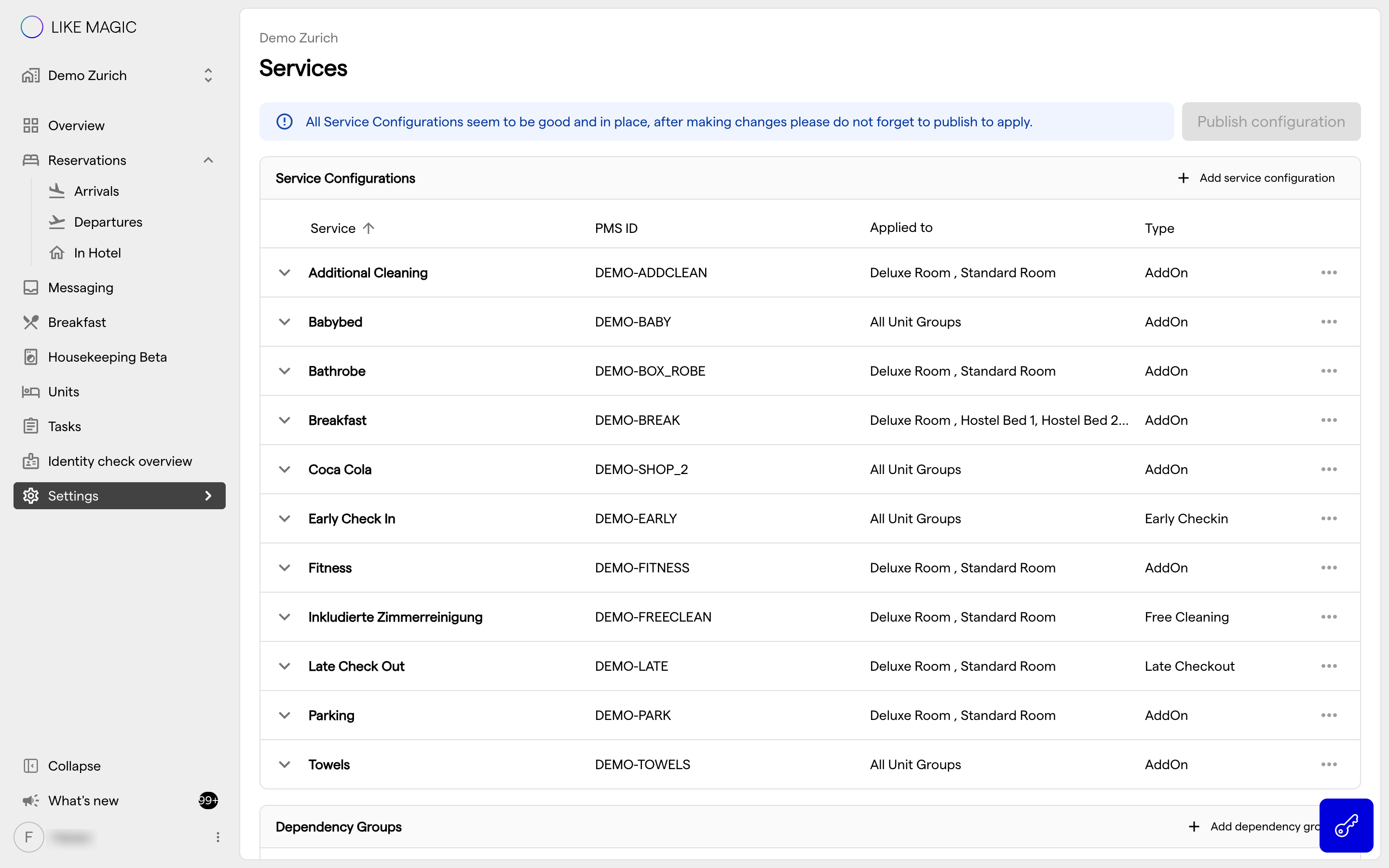
- Additional Services: other add-ons a guest can book.
6. Conclusion
Upsell gives you two ways to move a guest to a better room: a self-service room-category upgrade the guest can accept at check-in or later in the My Stay portal, and a staff-driven Upgrade tab in the reservation drawer. Have the check-in upgrade enabled for the property, check the upgrade pricing, and it appears in the wizard for eligible reservations.